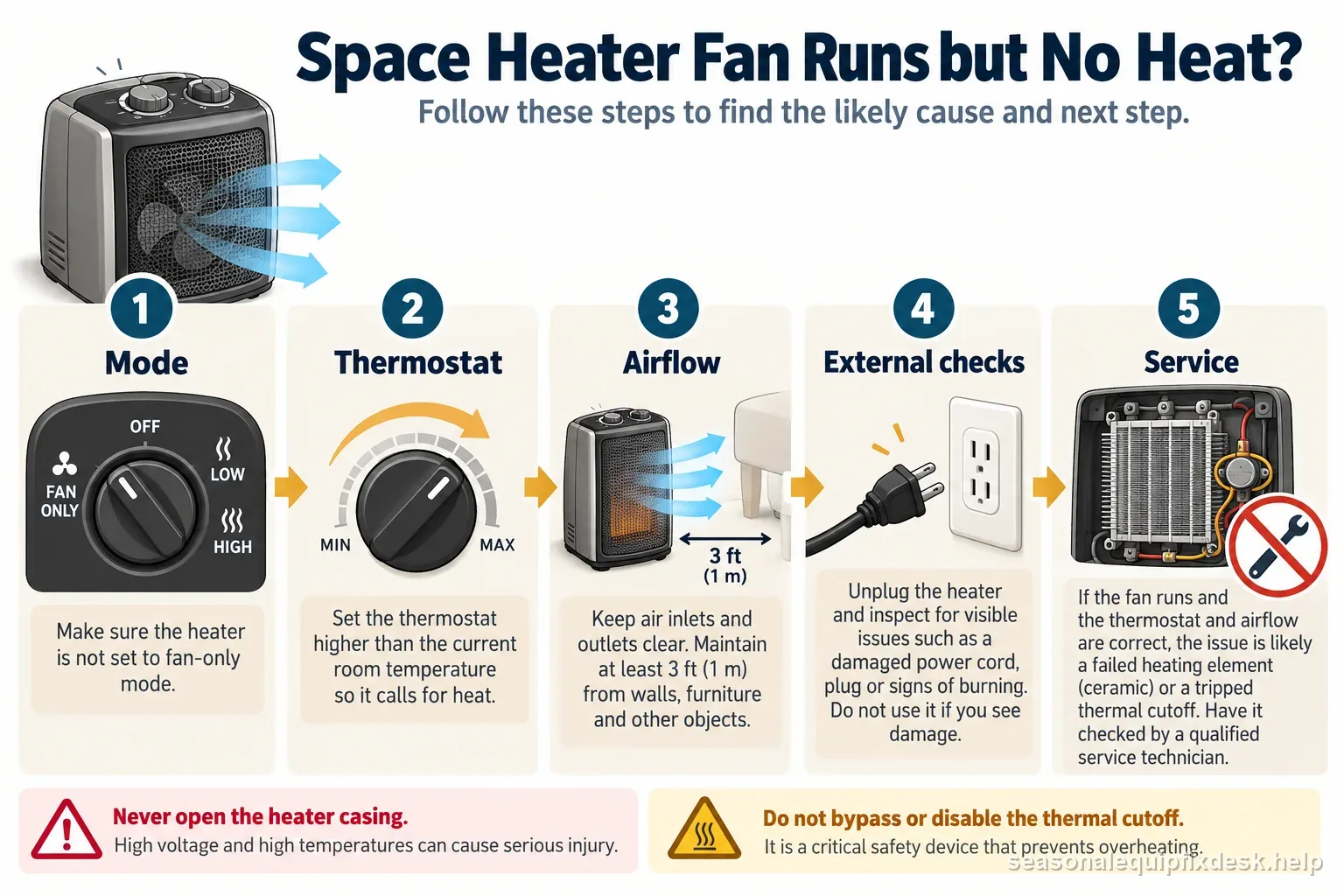
Quick answer: A running fan proves the heater has some power, not that the heating circuit is healthy. Before opening anything, confirm the unit is actually in a heat mode, the thermostat is calling for heat, and no timer or eco mode is suppressing the heating stage. If airflow is normal but the air never warms, the remaining faults are usually internal—thermal cutoff, heating element, relay, switch, or wiring—and that is where homeowner troubleshooting should stop.
A heater with no heat needs a different check from one that smells unusual. Review the burning-odor stop-use guide before running another test.
A fan that runs without heat differs from a thermostat that cycles at the setpoint. Compare the behavior with the space heater thermostat checks, especially room placement and model-specific control modes.
Oil-filled radiators warm more slowly than fan heaters and have a sealed reservoir; use the separate cold-radiator checklist for its safe power and warm-up checks. See the oil-filled radiator that will not heat guide for the matching checks.
| What you observe | What it suggests | Next step |
|---|---|---|
| Fan-only selected | Normal cool airflow | Select documented heat mode |
| One heat level works | Mode or stage issue | Record setting and model |
| Fan runs; all heat absent | Internal thermal or element fault | Manufacturer service |
| Damage, odor, sparks | Unsafe appliance | Stop using immediately |
Rule out fan-only mode before calling the element bad
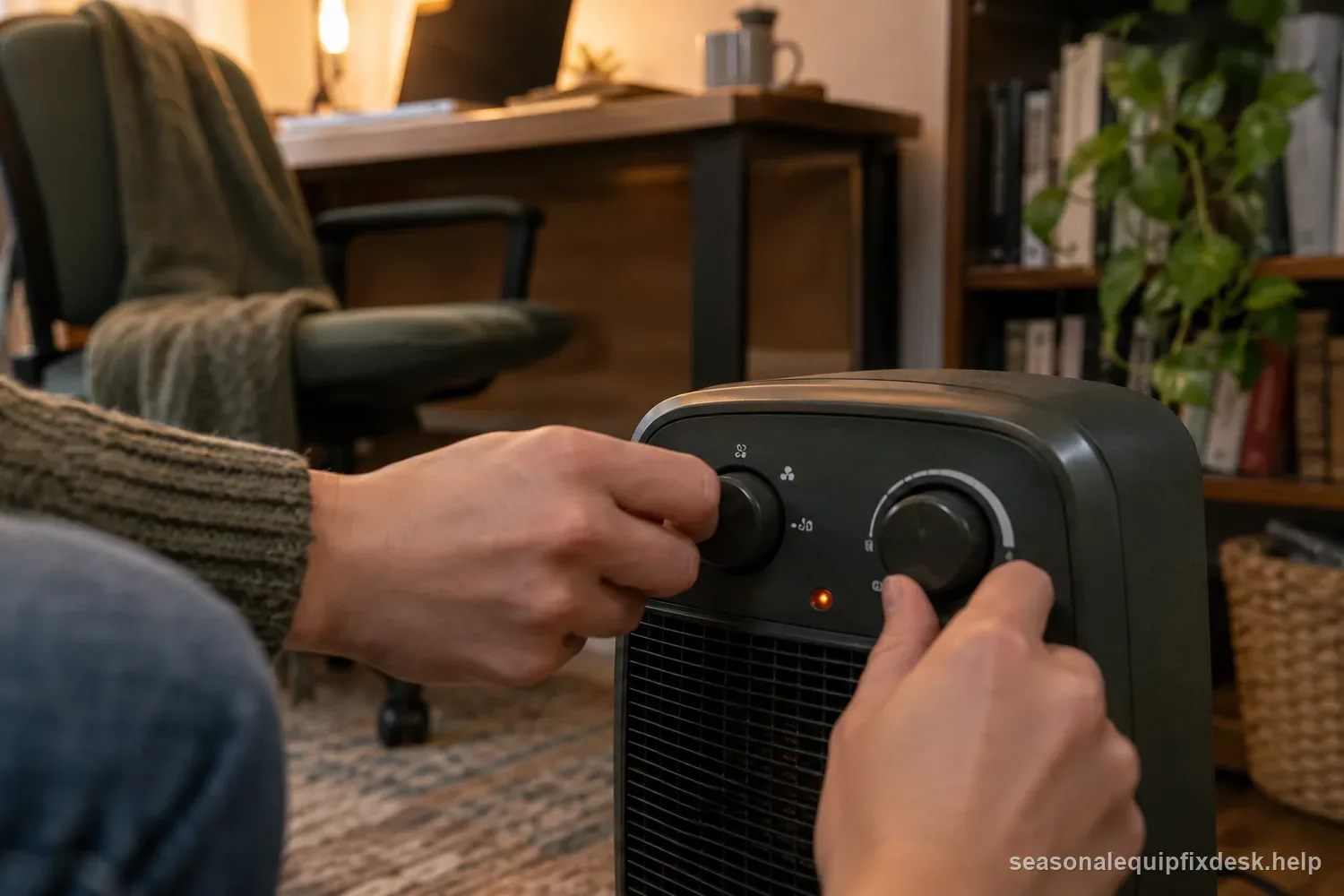
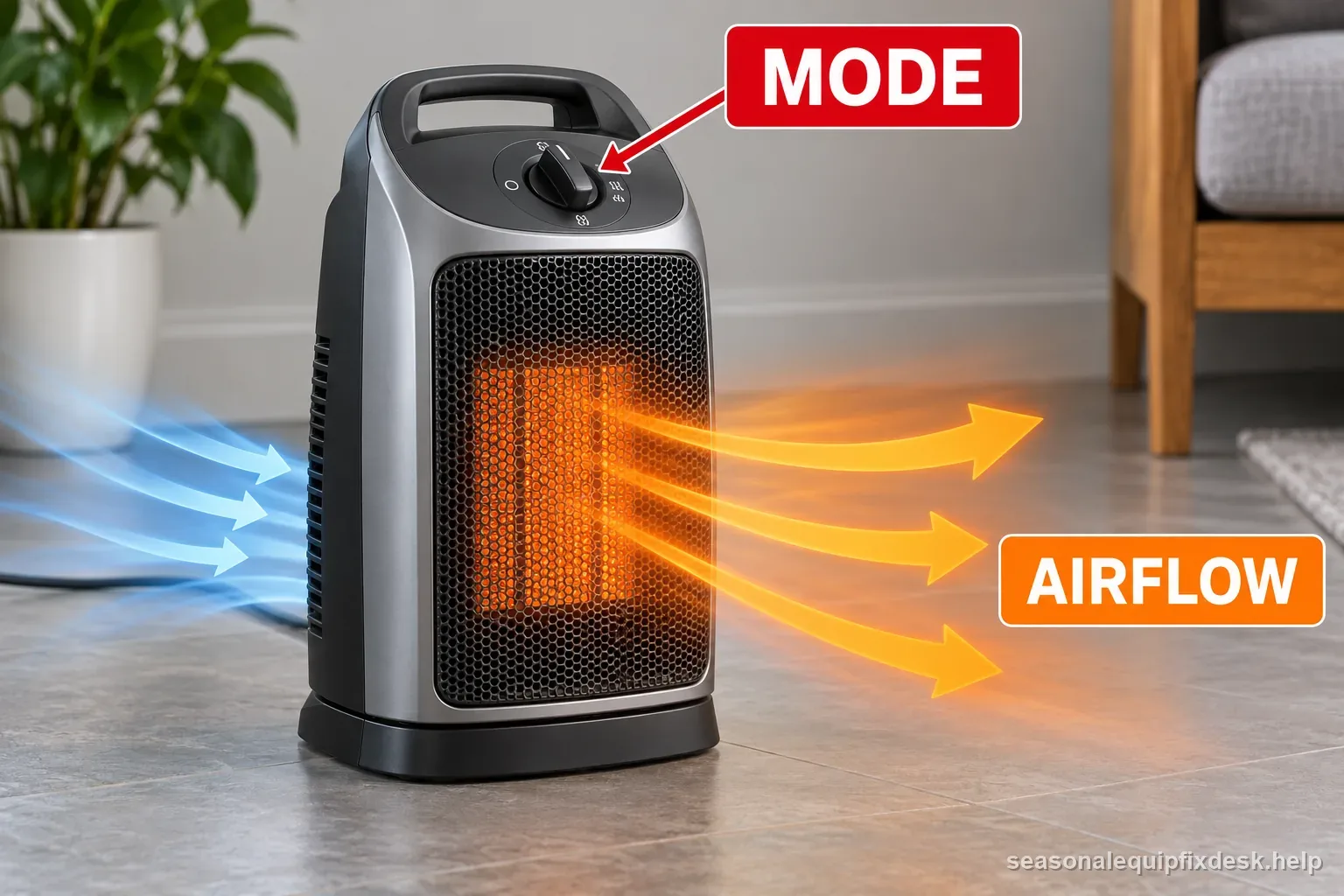
Portable heaters may have fan, low heat, high heat, auto, and eco settings that look similar on a small display. Select an unambiguous manual heat mode and move the thermostat target above room temperature. Wait through any normal control delay. If warm air appears, the heater was being commanded not to heat rather than failing to heat.
| What you observe | Likely branch | Safe next step |
|---|---|---|
| Fan-only indicator or mode selected | The heater is set to move air without a heat call | Select a documented heat mode and set the thermostat above room temperature |
| Fan continues just after heat stops | A model-specific fan delay may be clearing residual heat | Watch the indicator and compare the delay with the owner manual |
| No heat after a blocked intake or overheat | A thermal limit may have interrupted the heat circuit | Unplug, cool, and clear only the external air path |
| Reset trips again or plug is damaged | A continuing safety or electrical fault | Stop using the heater and arrange qualified service |
Compare the timing and controls with the exact owner manual; resets and fan delays vary by model.
A thermostat can run the fan without energizing the heater continuously
Some designs circulate air after the target is reached or use the fan for temperature sensing. Compare the room temperature with the setpoint and watch whether the heating indicator changes. A separate thermometer can help when the heater’s own sensor is warmed by its discharge or a nearby vent.
Inspect airflow before blaming a thermal cutoff
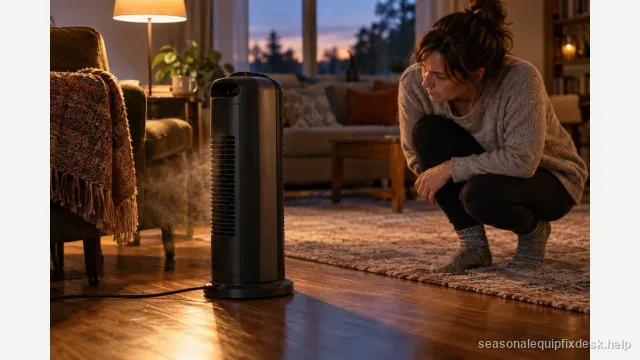
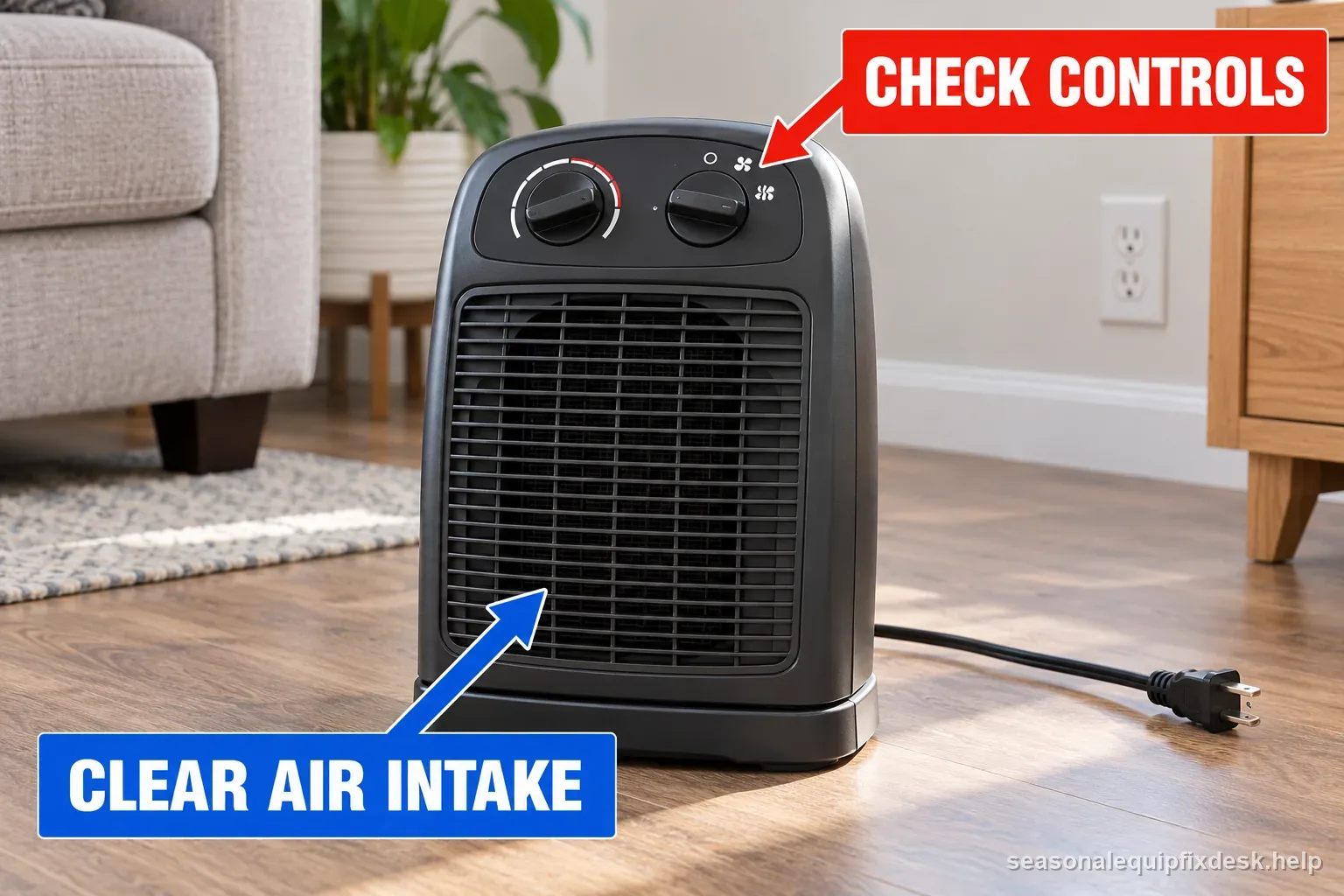
Unplug the heater and let it cool. Check the intake and outlet for dust, pet hair, curtains, or furniture. A prior overheat event can open a self-resetting thermal limiter until the heater cools. Cleaning the air path and restoring clearance may allow normal heat to return without any internal repair.
If the thermal protection opens again despite clean unrestricted airflow, stop. Repeatedly cycling a heater through overheat protection is not a repair method.
| External observation | What it can explain | Next step |
|---|---|---|
| Air path blocked or dusty | Protective cutoff or reduced airflow | Unplug, cool, and clean exterior only |
| Cord or plug discoloration | Possible overheating | Stop use and request inspection |
| Fan normal, heat never starts | Separate heat stage or control fault | Record setting and arrange service |
A normal fan can share only part of the heater’s electrical path; internal diagnosis is for qualified service.
Look at the plug and receptacle before another test
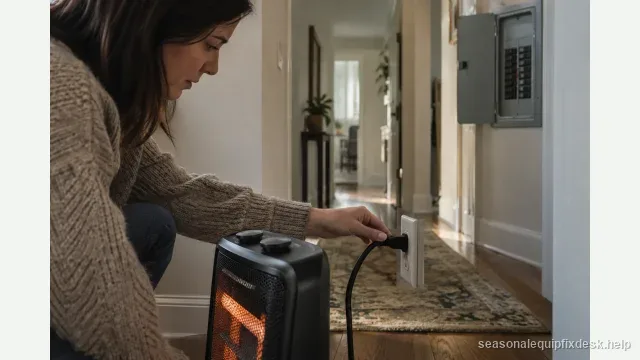
CPSC recommends connecting electric space heaters directly to a wall outlet rather than an extension cord or power strip. With the unit unplugged, inspect the plug blades, cord, receptacle, and wall plate for discoloration, melting, looseness, or odor. A damaged connection is a stop-use condition even when the fan still works.
Compare the heater’s behavior with the exact manual before interpreting a fan-only run. Some models allow a fan setting, while others keep the fan running through a cool-down cycle after the element switches off. A brief pause between thermostat cycles can also be normal. Record the selected mode, room temperature, indicator state, and whether the fan ever stops; that pattern helps distinguish a settings issue from a heat-stage failure without opening the appliance.
Use only a user-accessible reset specifically described by the manufacturer. Unplug the heater and let it cool fully first; never bypass a limit switch to restore heat. If a reset trips again, the plug or outlet becomes hot, or the unit has a burned odor or damaged cord, stop using it. Do not test repeatedly on another outlet or extension lead: a recurring protection event needs inspection, not more cycles.
The heating path can fail while the fan circuit survives
Inside a typical heater, the fan motor and heating element are not the same load. A broken element, open thermal fuse, failed relay, burned selector contact, or loose high-current connection can remove heat while leaving the fan operational. That architecture explains the symptom, but it does not make live internal testing appropriate.
Do not bridge a thermal fuse or limiter “just to see if it heats.” Those devices are fire protections. A jumper that makes the element glow proves only that a safety was defeated, not why it opened.
Ceramic and resistance-wire heaters fail differently
A ceramic PTC heater may have several heating sections and can continue moving air after one stage fails. A wire-element heater may develop an open coil that stops all heat. Oil-filled radiators may not have a fan at all, so this guide does not apply to them. Use the exact model design before ordering a generic “heating element.”
| Observed pattern | What it may mean | Safe next step |
|---|---|---|
| Fan-only setting selected | No heat call is being requested | Choose a documented heat mode |
| Fan runs briefly after heat stops | A model-specific cooldown may be normal | Compare timing with the manual |
| Fan runs, no heat after correct setup | Heat stage, control, or limit fault | Stop at external checks; arrange service |
| Reset repeats or plug gets hot | Safety or electrical fault | Unplug if safe and discontinue use |
Use the exact owner manual for mode labels, thermostat delays, and reset behavior.
A safe external test sequence
- Place the heater on a hard level surface with safe clearance from combustibles.
- Plug it directly into a known sound wall receptacle.
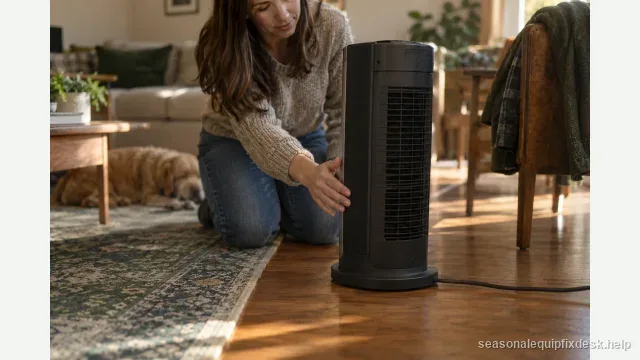
- Select a clear manual heat mode and set the thermostat above room temperature.
- Allow the manufacturer’s normal start delay, then feel for a temperature rise in the discharge without touching internal surfaces.
- If the fan runs but heat never appears, turn the unit off and unplug it rather than proceeding to energized internal measurements.
What a recent overheat event changes
If the heater lost heat after being covered, pushed against furniture, or clogged with dust, let it cool completely and restore airflow before one retest. Some protections reset automatically; others are one-time thermal fuses. If heat does not return, replacing a fuse without finding the reason it opened can recreate the hazard.
Some models have a manual-reset limit. Use a reset only when the owner manual identifies it as user-accessible; unplug the heater, let it cool, and follow that model's procedure. If heat drops again, or the reset requires opening the case, stop and contact the manufacturer or a qualified repair service.
Do not confuse a breaker problem with a no-heat problem
If the heater fan slows, lights dim, the outlet loses power, or the circuit breaker trips, stop this diagnostic path and evaluate the branch circuit and heater load instead. A heater that receives unstable power is not suitable for repeated “does it heat now?” testing.
When the unit should be retired
Retire or professionally service the heater if the fan runs but heat remains absent after correct settings and clean airflow, especially when there is a burned smell, heat-damaged plug, repeated protection trip, or internal rattle. Portable-heater line-voltage repairs require correct insulation, spacing, terminals, and safety devices; improvised internal work is not worth the fire risk.
- Verify the modeChoose a documented heat mode rather than fan-only, auto, or eco if those controls are present.
- Confirm thermostat demandSet the target above the room temperature and note any normal control delay.
- Restore external airflowUnplug and cool the heater, then clear dust or objects from the outside intake and outlet.
- Use only a documented resetFollow the owner manual if it identifies a user-accessible reset; do not repeat a trip.
- Stop at the service boundaryNo heat, repeated shutdown, damage, odor, sparks, or moisture means unplug and seek service.
Do not open the case or bypass any thermal or tip-over protection.
Low heat and high heat can expose different stages
If the model has separate low- and high-heat modes, compare them without opening the cabinet. Heat on one setting but not the other suggests a staged element, relay, or selector fault rather than a total loss of heating. That observation is useful for service, but it is not an invitation to bypass the failed stage or move wires between terminals.
If neither setting produces heat while the fan remains normal, the common path—thermostat demand, thermal protection, supply connection, or control—deserves attention before assuming two heating sections failed simultaneously.
A heater that recently got wet should not be used for diagnosis
If the unit was stored in a damp area, had liquid spilled through the grille, or shows corrosion at the plug or controls, do not energize it repeatedly to see whether heat returns. Moisture can create leakage or damaged insulation without stopping the fan immediately. Follow the manufacturer’s service guidance or replace the appliance.