Quick answer: If a home standby generator repeatedly has a dead starting battery, record the controller warning and model number before replacing parts. An aging battery is one possibility, but the charger circuit, a fuse, AC supply, wiring, or a connection fault may also prevent charging. Check only the status and exterior items the owner manual permits. Do not open the transfer switch, test live wiring, or repeatedly jump-start the generator.
This guide is for a permanently installed standby generator. Portable generators usually charge their batteries differently, and charging behavior varies by make, controller, and model year. A generator that starts after a jump is not proof the battery itself is the only problem. If the charger fault remains, the new or charged battery may run down again before the next outage.
Record the controller message and timeline
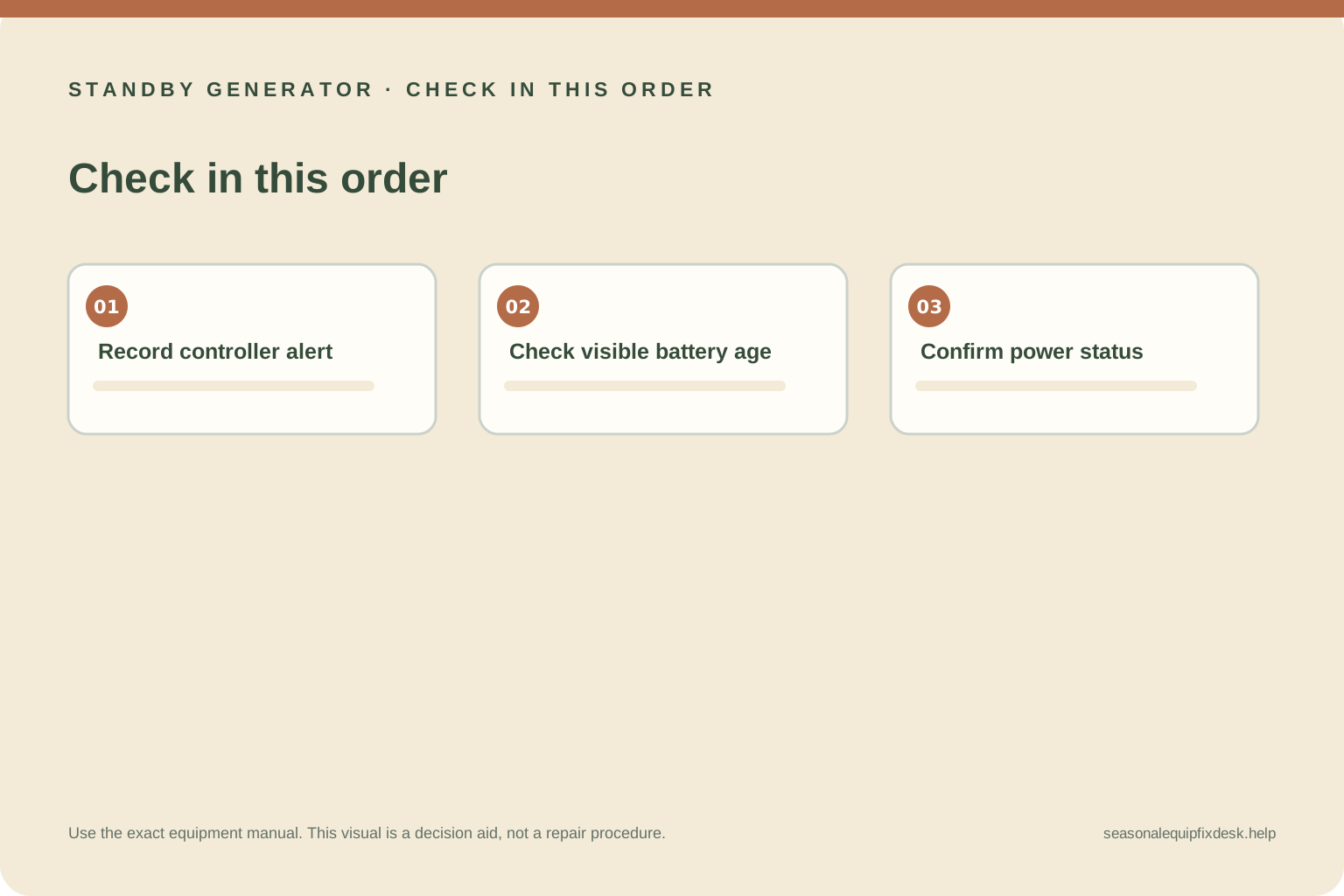
Photograph the display or app warning before clearing it. Note whether it says “Inspect Battery,” “Charger Warning,” “Charger Missing AC,” or something else; wording differs by controller. Record the generator model, controller type shown in the owner documents, date of the last successful exercise, recent service, and whether utility power has been interrupted. Do not clear a warning before recording it.
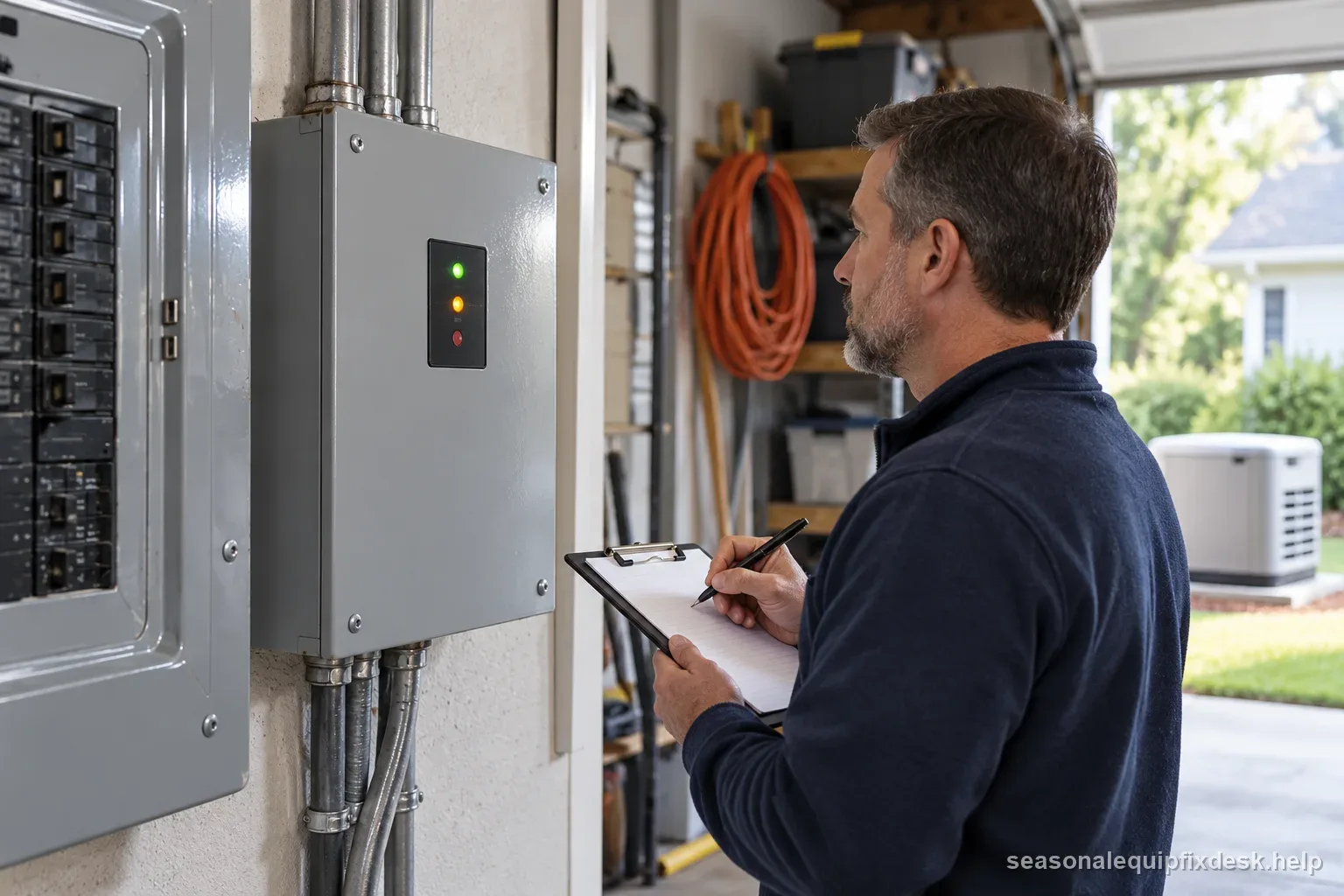
Generac’s battery articles explain that some home standby systems use an integrated charger supplied by a dedicated AC charging circuit, often identified as T1 on applicable installations. Other models or liquid-cooled systems may use different arrangements. A missing supply, fuse, neutral, or wiring issue can prevent charging. Those are service diagnostics; their names help explain the warning, not authorize a homeowner to open the switch or check conductors.
Separate a worn battery from a charging problem
A battery may lose capacity with age, long storage, heat, repeated discharge, or a failed cell. The manufacturer’s battery maintenance instructions specify the compatible battery type, inspection interval, and any permitted test. If the battery case is swollen, cracked, leaking, unusually hot, or smells unusual, keep away and arrange service. Do not touch corroded terminals or attempt to charge a damaged battery.
If the battery was recently replaced and still discharges, that is a reason to ask for a charging-system diagnosis rather than installing another battery. A failed charging source, loose or incorrect connection, or repeated starting attempts may keep a healthy battery from recovering. Record when the warning appeared and whether it follows an outage, exercise cycle, or service visit. Do not assume the battery needs a periodic “top-off” without the exact manual’s direction.
Use only owner-level observations
From outside the locked equipment, check whether the controller display is on, whether the listed utility source appears available, and whether the exterior battery enclosure looks damaged. If the owner manual describes a user-accessible battery inspection, follow its power-down, PPE, and terminal sequence exactly. If it does not, leave the battery and enclosure closed. Do not remove covers to photograph terminals or inspect a charger fuse.
Do not measure voltage at the battery or charging circuit unless the exact manual expressly assigns that task to the owner and provides a safe, isolated procedure. Many standby systems contain utility power in the transfer switch even when the generator is stopped. Never handle T1 wiring, neutral conductors, fuses, or internal controller connections. Generac explicitly directs end users not to modify or service internal generator wiring.
Match the symptom to the next step
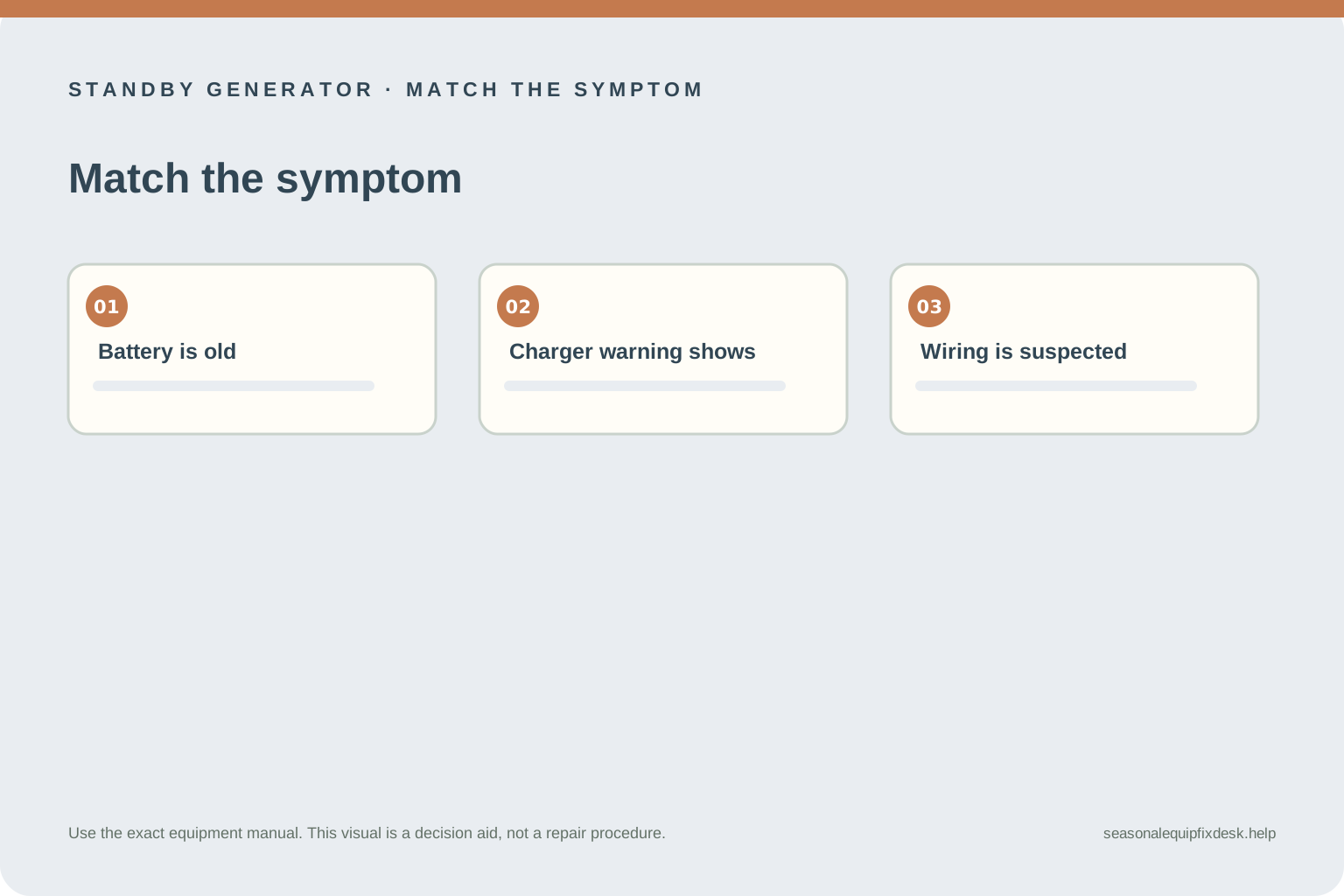
| Observation | What it may indicate | Next step |
|---|---|---|
| Battery is old; no charger alarm | Capacity may have declined | Ask for a model-approved battery test and replacement spec |
| Charger warning returns | Charging source or control issue | Record the alert and schedule authorized service |
| Battery recently replaced, then dies | Cause may remain in charging circuit or setup | Request system diagnosis, not another guess-based swap |
| Swollen, leaking, hot, or damaged case | Battery hazard or failure | Keep away and contact qualified service promptly |
Why repeated jump-starting is not a repair
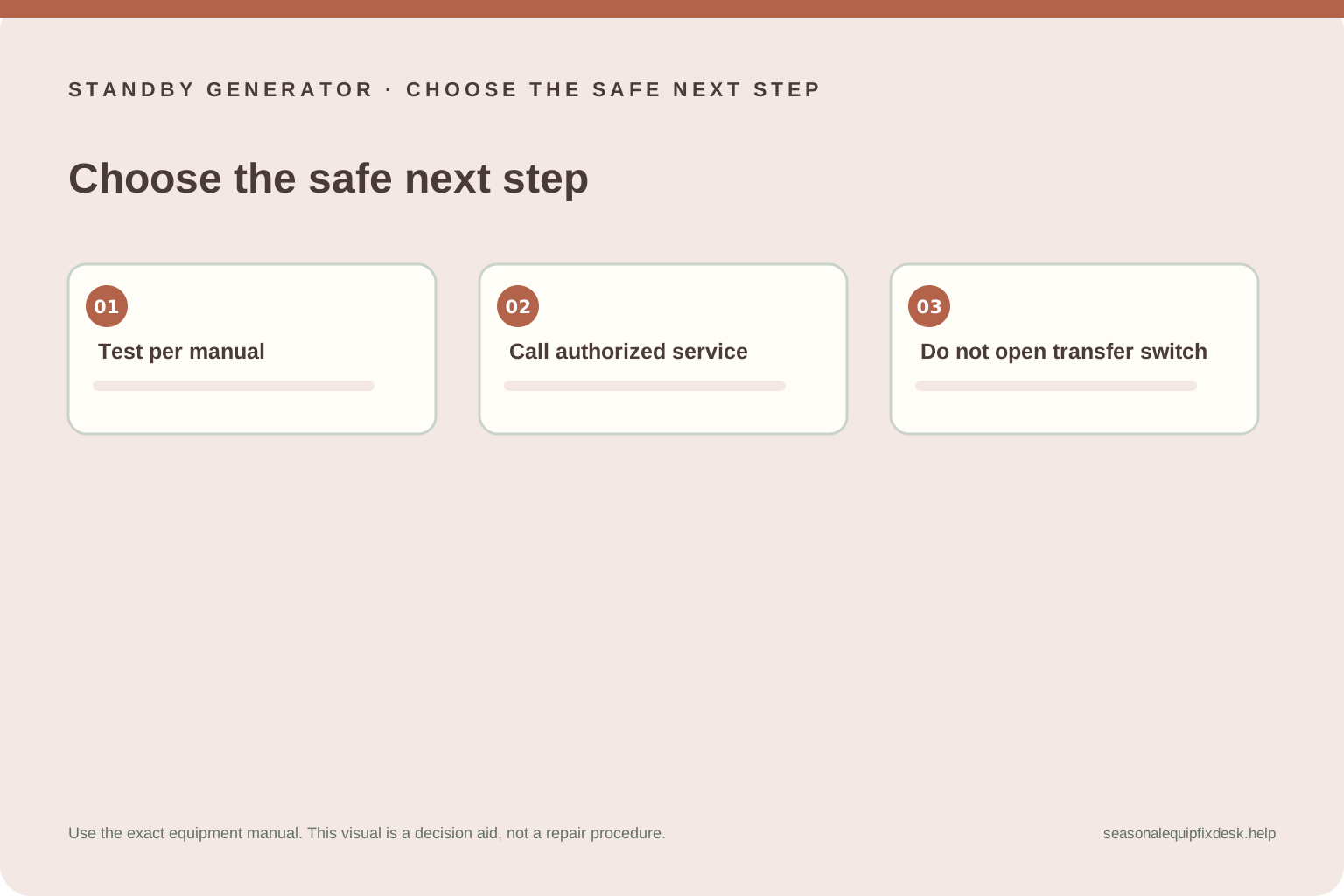
Jump-starting can restore power temporarily, but it does not show whether the built-in charger works or whether the battery will hold a charge. The connections and sequence also vary by model. A mistake around a standby generator battery can damage controls, create sparks near battery gas, or expose the user to electrical energy. Follow the manual only if it describes an owner-permitted jump procedure; otherwise call the dealer.
A repeated exercise test is not a substitute for service. Each start draws current, and some controller charging cycles or timers behave differently after a crank. Record how many times the battery has been jumped or charged and tell the technician. Do not disable exercise schedules or alarms permanently to hide a warning; use the official support process to preserve system readiness.
Prepare a useful service call
Provide the model and serial numbers, controller type, exact warning, battery installation date, date it last started normally, recent outage or service history, and how many times it has failed to crank. Ask whether the technician will test both the battery and its charging source and whether the current battery meets the model specification. Save the written finding and any replacement part number.
Stop and request service for recurring charger warnings, a battery that drains after a correct replacement, damaged or corroded terminals, a failed exercise, or any need to inspect the transfer switch. Do not open generator or transfer-switch enclosures. The goal is not simply to make the engine start once; it is to restore a system that can start, transfer, and charge as designed.
Keep the next outage from becoming a surprise
Follow the scheduled inspection and battery replacement guidance in the exact owner manual, keep controller alerts visible, and make sure a service visit closes the reported fault rather than only clearing the message. Store the model number, service date, battery part number, and dealer contact together. A short record makes a repeat failure easier to diagnose and helps you verify that the installed battery and charging setup match the system.